
Exploring RSS Feed Directories
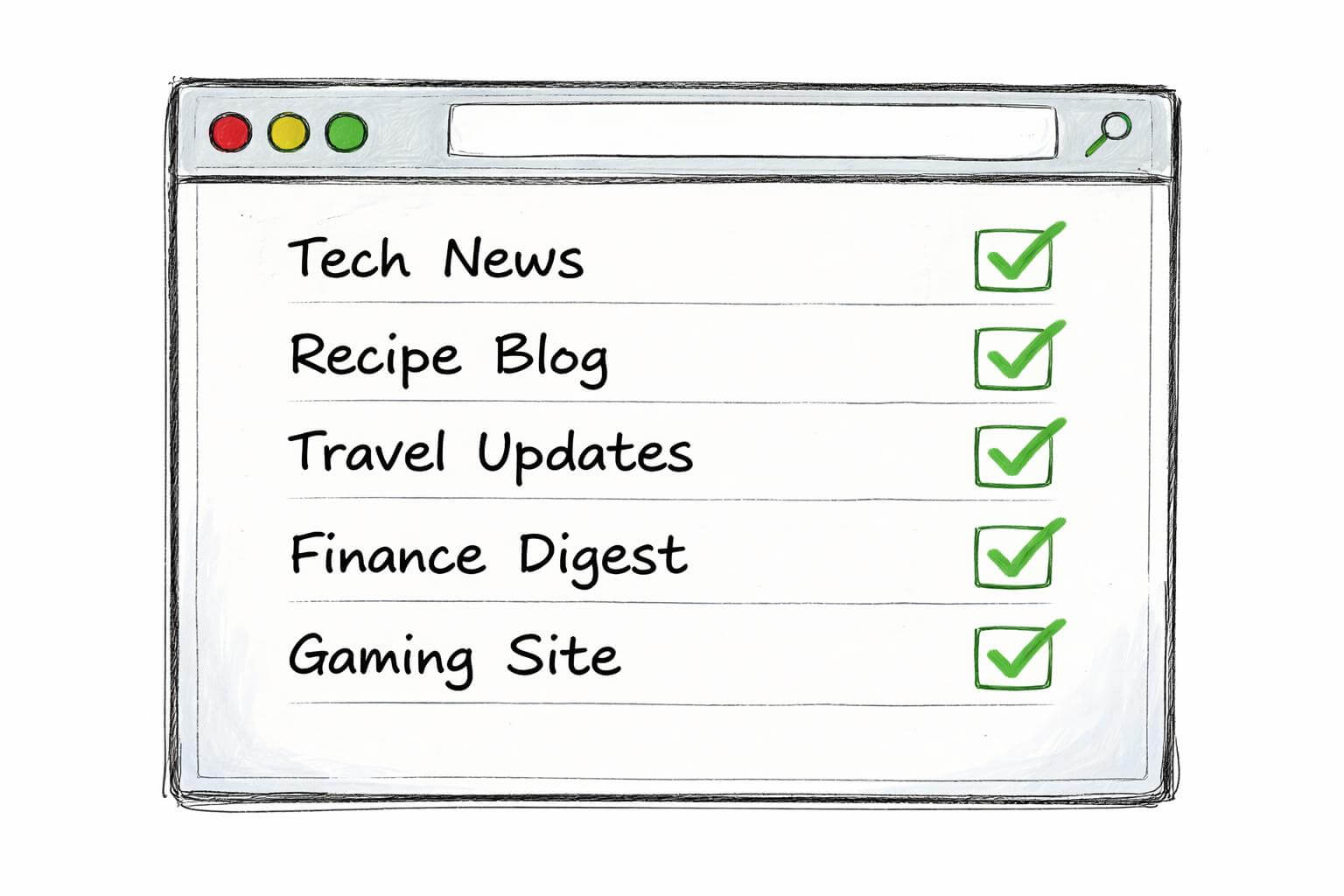
Maintaining spreadsheets of RSS feeds that silently rot is a common problem for local SEO agencies and hyperlocal site builders. Many directories exist, but their data often becomes outdated quickly, leading to broken links and missed content. RSS Feed Center offers a solution by continuously verifying the health of every listed feed and providing tools to manage and monitor them effectively.
What is an RSS Feed Directory?
An RSS feed directory is a centralized list or database of RSS feeds, typically organized by category or topic, that allows users to discover new content from various sources. These directories serve as valuable resources for finding news, blog posts, podcasts, and other digital content, providing a convenient way to subscribe to updates from multiple websites without having to visit each site individually. They are often used by individuals seeking to expand their RSS reader subscriptions or by businesses looking for relevant content sources.
Popular RSS Feed Directories
Many popular RSS feed directories exist on the web, each offering a collection of feeds for users to browse and subscribe to. While some focus on specific niches, others aim to provide a comprehensive list across a wide range of categories. However, the primary challenge with many of these established directories is the lack of continuous health checks, which means that a significant portion of their listed feeds can become inactive or move without notice, leading to a frustrating experience for users seeking fresh and reliable content.
How to Choose the Right Directory
Choosing the right RSS feed directory depends on a user's specific needs, but several key factors should be considered to ensure a valuable experience. It is crucial to look for a directory that prioritizes the freshness and accuracy of its listings, ideally through continuous health checks of each RSS feed. Additionally, a well-organized directory with clear categories and powerful search capabilities can significantly enhance the user's ability to find relevant content, whether they are looking for specific news updates, business information, or niche blog posts.
Finding Free RSS Feeds

Discovering free RSS feeds is essential for anyone looking to stay updated with the latest content without incurring subscription costs. While many websites offer their content through RSS feeds, locating and managing these feeds can be a time-consuming process if not done efficiently. Utilizing a robust RSS directory or a curated list of feeds can significantly streamline this process, allowing users to quickly access a wide array of information from various sources, including news sites, blogs, and podcasts.
Top Free RSS Feed Lists
Accessing top free RSS feed lists can provide users with a curated selection of high-quality content sources across diverse categories such as technology, marketing, sport, and business. These lists are often compiled to make it easier for users to subscribe to their favorite content creators and stay informed about the latest updates without manual searching. A good list will also feature a description of each source, helping users determine if the content aligns with their interests before adding it to their RSS reader.
How to Submit Your RSS Feed
Submitting your RSS feed to a directory can be an effective way to increase the visibility of your website or blog and attract a wider audience. The submission process typically involves providing the direct URL of your RSS feed along with some basic information about your content, such as its category, title, and a brief description. Ensuring your RSS feed is valid and regularly updated before submission is crucial for acceptance and to maintain a positive user experience for those who subscribe through the directory.
Popular RSS Feeds by Category
Popular RSS feeds organized by category offer a structured approach for users to explore content that aligns with their specific interests, making it easier to discover new sources in areas like technology, business, or media. This categorization helps users quickly navigate through a vast amount of available content, enabling them to find the most relevant news, blog posts, or podcasts from trusted sources. Such organization is particularly beneficial for those building a targeted audience or conducting research within a particular niche.
Understanding RSS and Its Benefits
What is RSS?
RSS, or Really Simple Syndication, provides a standardized format for web content distribution, allowing users to access updates from their favorite websites without visiting each site individually. This technology acts as a web feed, enabling the publication of frequently updated content such as blog entries, news headlines, audio, and video in a structured format. By subscribing to an RSS feed, a user can receive the latest updates directly in their RSS reader, making content consumption more efficient and personalized.
How RSS Feeds Work
RSS feeds function by offering a summary of a website's content, typically including the title, a brief description, and a link back to the full article on the original site. When a website publishes new content, its RSS feed is updated, and this update is then picked up by the user's RSS reader. This process allows for automated content delivery, ensuring that subscribers receive timely updates across a range of sources, from news sites to niche blogs and podcasts, without constantly checking each website.
Benefits of Using RSS Feeds
Using RSS feeds offers numerous benefits for content consumers and publishers alike, primarily by streamlining the process of staying informed and distributing content. For users, RSS provides a centralized hub to monitor updates from multiple websites, saving time and ensuring they never miss a post from their favorite sources. For content creators, an RSS feed offers a consistent distribution channel, enhancing the reach of their blog posts or podcasts and potentially increasing website traffic by providing fresh content to an engaged audience.
Utilizing RSS Feeds for Your Needs
Using RSS Feeds for News and Blogs
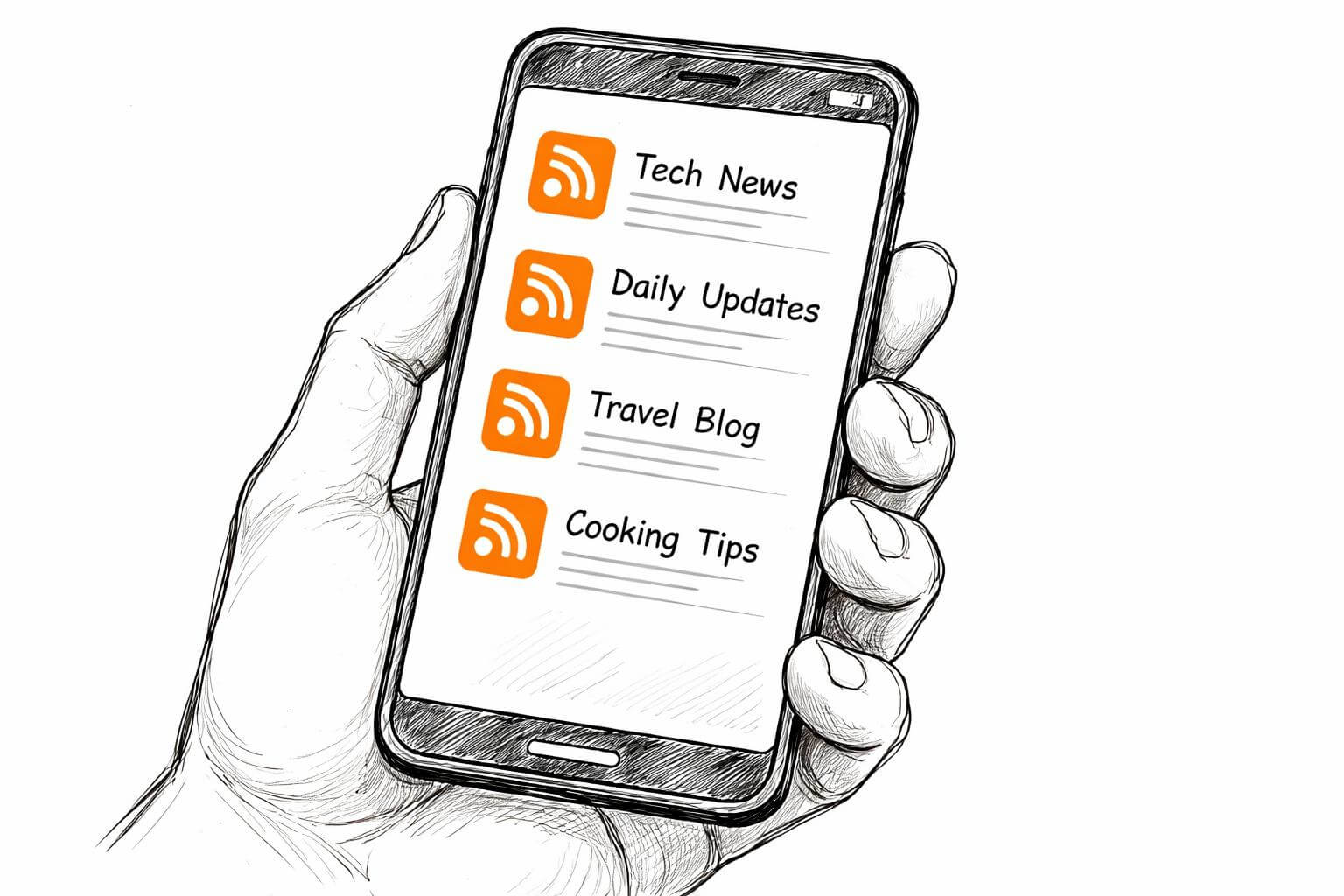
RSS feeds are an indispensable tool for staying current with news and blog updates across various categories, including business, technology, and marketing. By subscribing to the RSS feed of preferred news sources and industry blogs, users can consolidate all their information into a single RSS reader. This method ensures that the latest articles and posts are delivered directly, making it easier to track trends, gather information, and keep up-to-date with developments relevant to their interests or professional needs without the need to manually check each website.
RSS Feeds for Podcasts and Media
RSS feeds are also fundamental to the distribution of podcasts and other media content, enabling podcasters to reach their audience efficiently and allowing users to subscribe to their favorite audio and video series. When a new podcast episode is released, the RSS feed is updated, which then signals to podcast apps and RSS readers that new content is available for download or streaming. This seamless process ensures that listeners can easily access the latest episodes, contributing to the growth and discoverability of podcasts across the web.
Integrating RSS Feeds into Your Workflow
Integrating RSS feeds into a daily workflow can significantly enhance productivity and information management, making it easier to gather and organize content from diverse sources. Businesses and individuals can use RSS to monitor industry news, track competitor updates, or curate content for their own platforms, such as a blog or a social media strategy. By leveraging the consistent updates provided by an RSS feed, users can build a rich, personalized content stream, ensuring they have the latest information at their fingertips for decision-making or content creation.
Tools for Managing RSS Feeds
RSS Readers and Their Features
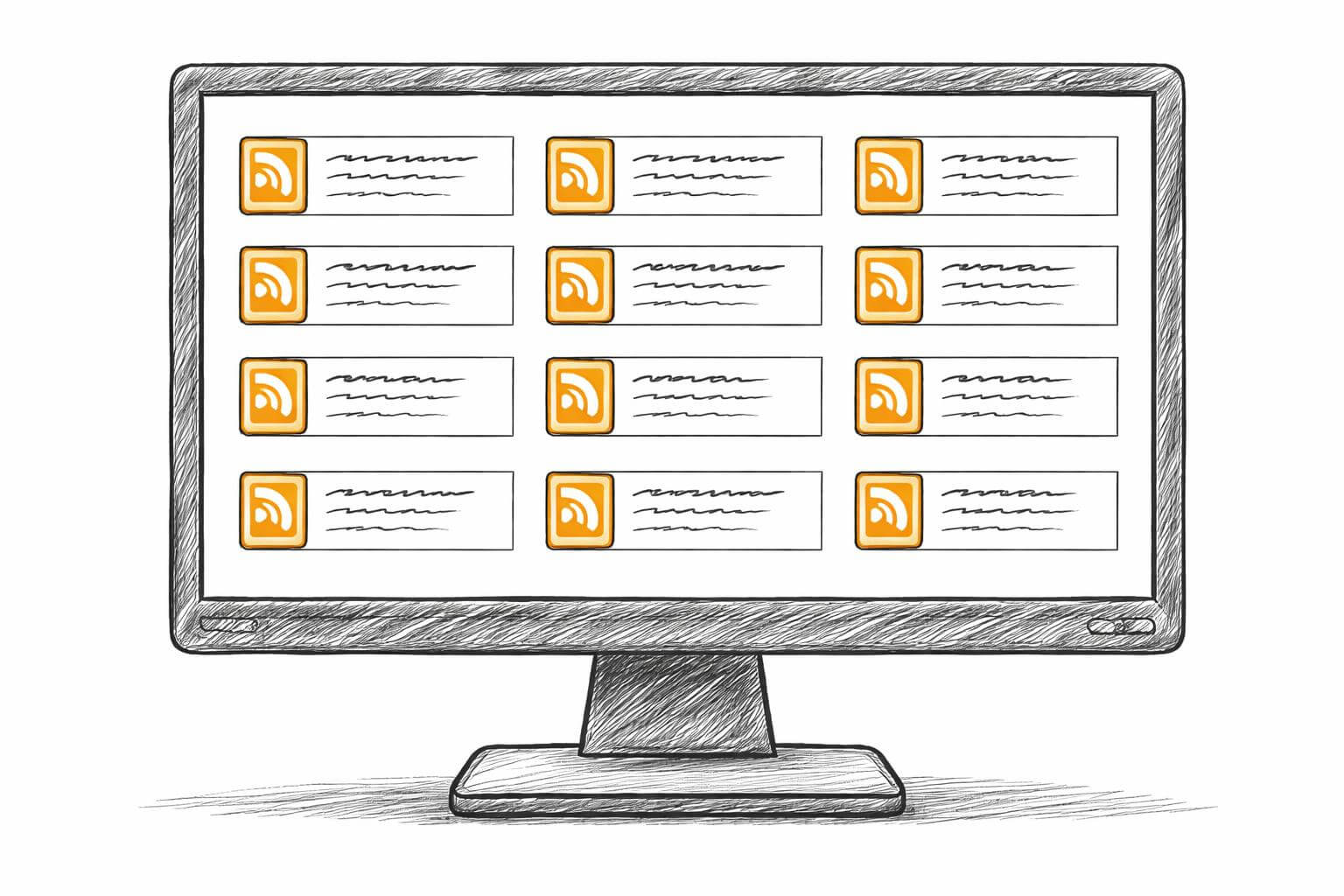
RSS readers are essential tools for anyone looking to efficiently manage and consume content from multiple RSS feeds. These applications, often available as desktop software, web-based platforms, or mobile apps, centralize updates from various websites, blogs, and podcasts into a single interface. Key features typically include the ability to subscribe to an unlimited number of RSS feeds, categorize them, mark items as read, and perform keyword searches within the content. Many modern RSS readers also offer integration with other services, allowing users to share interesting articles or save them for later reading.
Best Practices for Feed Management
Effective RSS feed management involves several best practices to ensure a streamlined and productive content consumption experience. Regularly reviewing and pruning your list of subscribed RSS feeds is crucial to avoid information overload and ensure that only relevant content reaches your RSS reader. Categorizing feeds by topic, such as "news," "technology," or "marketing," can further enhance organization, making it easier to find specific types of content. Additionally, leveraging features like "read later" options or custom filters within your RSS reader can help prioritize updates and manage the flow of information efficiently.
Monitoring Your RSS Feeds
Monitoring your RSS feeds is vital to ensure that the content sources you rely on remain active and continuously deliver fresh updates. RSS Feed Center provides continuous health checks for every listed RSS feed, showing the "last post" and "posts/week" to indicate activity levels. This proactive monitoring helps users identify dead feeds or those with infrequent updates, preventing them from unknowingly relying on stale information. For paying members, alerts can notify them when a feed dies, moves, or when a new source appears in their chosen category or city.
- Clifton Heights Ledger 7.2/wk 3h ago
- Northside Arts Register 2.4/wk 2d ago
- Eastgate Retail Report 0/wk 118d ago
Sample data — swap for a live query
Conclusion and Next Steps

Why You Should Start Using RSS Feeds
Starting to use RSS feeds is a strategic decision for anyone looking to efficiently manage their information intake and stay updated across a diverse range of sources, including news, blogs, and podcasts. RSS eliminates the need to visit countless websites daily, instead delivering all the latest content directly to a single RSS reader. This centralized approach saves significant time, ensures you never miss important updates from your favorite sources, and allows for a personalized content experience tailored to your specific interests and professional needs.
How to Get Started with RSS
Getting started with RSS is a straightforward process that begins with choosing an RSS reader and then populating it with RSS feeds from your preferred websites. Many popular news sites, blogs, and podcasts offer an RSS feed, often indicated by a small orange icon or a "subscribe via RSS" link on their site. You can then add these direct RSS feed links to your chosen RSS reader. For a more efficient start, explore a reliable RSS directory like RSS Feed Center to discover new sources and curate a comprehensive list of content tailored to your interests.
Stay Updated with RSS Directories
Staying updated with RSS directories ensures continuous access to a fresh and reliable stream of content across various categories. RSS Feed Center, for instance, offers a continuously health-checked directory where every RSS feed is monitored, providing transparent information about its activity, such as the last post date and posts per week. By utilizing such a resource, users can confidently discover new, active sources for news, blogs, and podcasts, maintaining a robust and relevant RSS reader subscription without the frustration of encountering dead or outdated feeds.